You have watched every LangChain tutorial on YouTube. You can explain what RAG is to anyone in the room. You have completed two Udemy courses, read the LangChain documentation, and followed three walkthroughs for building a PDF chatbot. The chatbot worked. It was impressive, even.
Then you tried to build something of your own — a RAG system over your company's internal documents, or an agent that handled a real workflow — and it fell apart. Different data, different behaviour. Errors you had never seen before. A LangChain API that changed since the tutorial was recorded. A vector database that behaved differently at scale.
You went back to a tutorial. It felt productive. Nothing shipped.
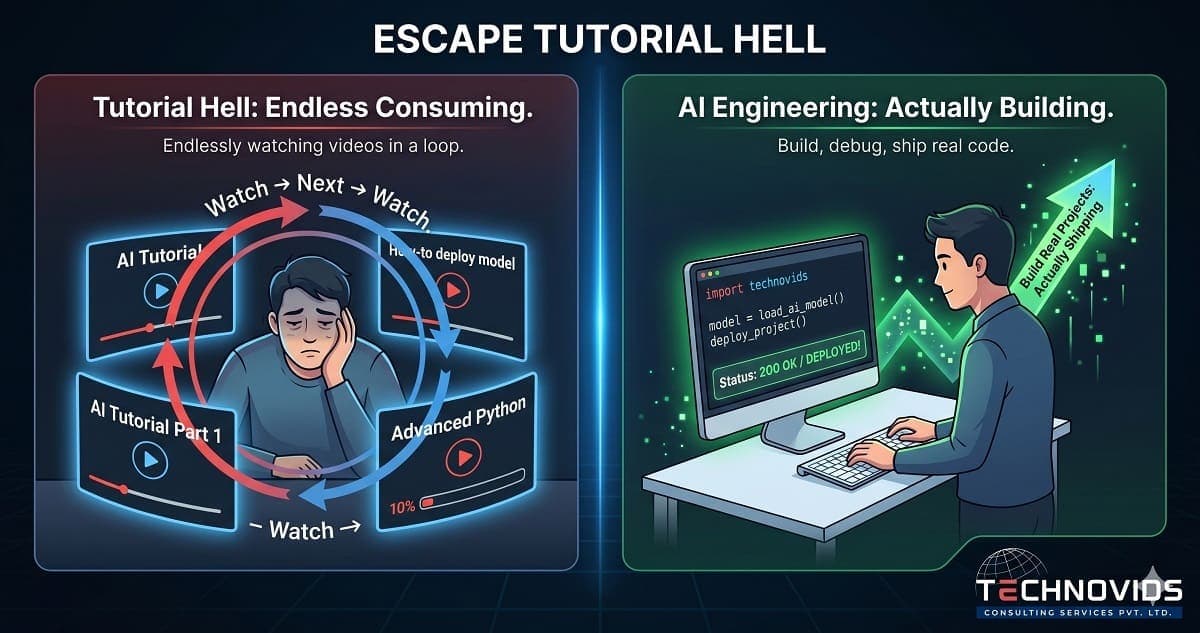
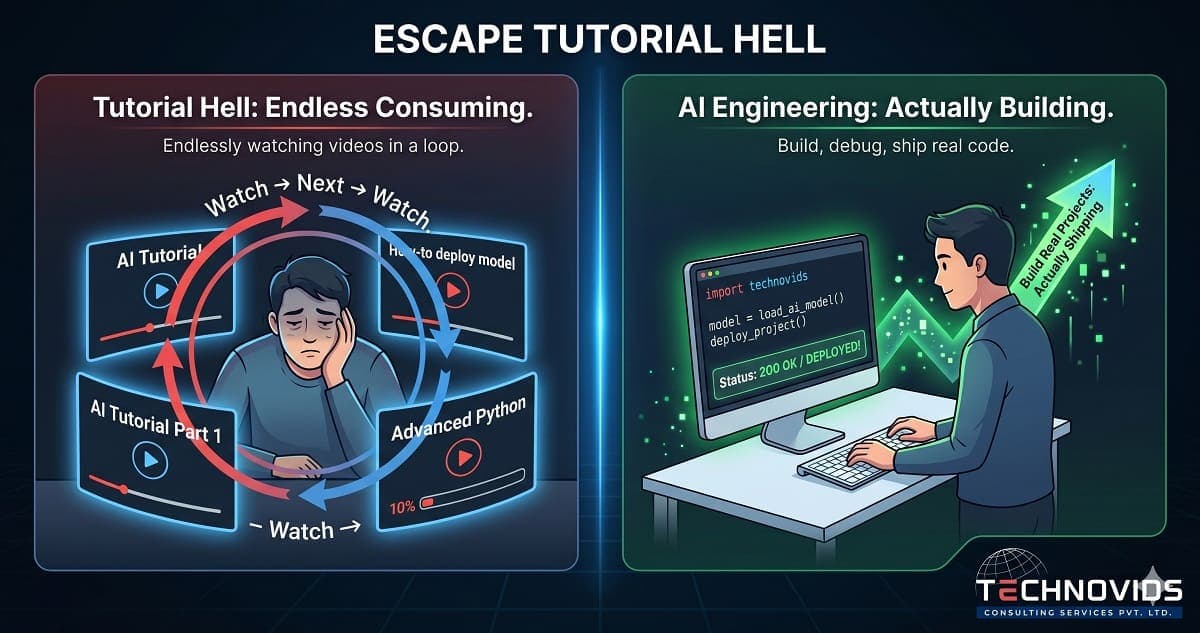
Welcome to tutorial hell. You are not alone, and it is not a reflection of your ability. It is a structural problem with how AI skills are typically taught — and there is a specific way out.
What Is Tutorial Hell?
Tutorial hell is the loop of consuming educational content without reaching the point of independent creation. You understand each tutorial while you are following it. The moment you deviate — different data, different requirement, different error — understanding evaporates. So you find another tutorial that looks closer to what you need, and the cycle repeats.
It is not laziness. Tutorial followers are highly motivated — they spend hours every week on AI content. The problem is that tutorials are optimised for clarity of explanation, not for developing the problem-solving capacity to handle novel situations. They remove all the friction. Friction is where real skill lives.
Why Tutorial Hell Is Worse in AI Engineering
Tutorial hell exists in every technical field. In AI engineering, three factors make it significantly worse:
The landscape changes weekly. LangChain has had three major API version changes in two years. A tutorial from eight months ago may use deprecated syntax. When your tutorial code fails, you cannot always tell whether you did something wrong or whether the library changed. This uncertainty sends people back to searching for newer tutorials rather than debugging.
Failures are non-obvious. When your web application has a bug, it crashes with an error. When your RAG pipeline has a bug, it gives plausible-looking wrong answers. You might not even know something is wrong until a user catches it. This delayed feedback loop makes it hard to learn from mistakes in real time.
Architecture decisions are hidden. Tutorials make one set of choices: this chunking strategy, this embedding model, this vector database, this prompt template. They rarely explain why those choices were made or what would happen with different choices. When you encounter a different problem, you don't know which decisions to change.
Signs You Are Stuck in Tutorial Hell
- You can build the tutorial project but cannot modify it for a different dataset.
- You know the names of all the tools (LangChain, LlamaIndex, Pinecone, FAISS, ChromaDB) but cannot explain when to use which.
- Your GitHub repository of AI projects is mostly forked tutorials or slightly modified demos.
- When something breaks, your first instinct is to search for a tutorial that covers the error, not to read the error message and debug it.
- You feel more confident about AI engineering after watching a tutorial than after trying to build something.
That last point is the most telling. Watching a tutorial is cognitively easy and feels like progress. Actually building is hard, slow, and frustrating. The brain prefers the tutorial. This is not a character flaw — it is how brains work. You have to design around it.
The Real Problem (It Is Not the Tutorials)
The problem is not that tutorials are bad. Many are excellent. The problem is that watching someone else solve a problem is not the same as developing the capacity to solve problems yourself.
Skill in AI engineering — as in any engineering discipline — is built through struggle, failure, and recovery. When you hit a wall, try three things, have two of them fail, figure out why the third works, and understand the underlying reason it worked: that is when a concept becomes a capability. Tutorials skip the struggle. They go straight to the third thing that works.
The developers who exit tutorial hell fastest are not the ones who watch fewer tutorials. They are the ones who impose artificial constraints that force them to struggle: "I will not follow any tutorial for this project," or "I will build this without looking at an existing example for the first two hours."
How to Get Out: The Project-First Method
The method that works, based on watching hundreds of developers go through this transition:
Step 1: Pick one project that solves a real problem for you. Not a practice project. Something you actually want to exist. A RAG chatbot over your own PDF collection. An agent that automates a task you do repeatedly. A tool that would save you 2 hours a week. Real stakes create real motivation to push through friction.
Step 2: Set a no-tutorial rule for the first attempt. Try to build it without following an example. You will fail. You will get errors you have never seen. Write down every error and every decision you had to make. This is your actual learning curriculum — not what a tutorial author decided was important.
Step 3: Use tutorials as reference, not as walkthroughs. When you hit an error, consult tutorials and documentation for the specific thing that broke. Read the relevant section. Understand it. Go back to your project. Do not follow the tutorial step-by-step from the beginning.
Step 4: Ship something incomplete rather than start over. The instinct when a project gets difficult is to abandon it and start a "cleaner" version — a fresh tutorial, a different architecture, a simpler project. Resist this. Finishing something imperfect teaches more than starting something perfect.
The Projects That Actually Build Skills
Not all projects are equal. Projects that force decisions build skills. Projects that follow a clear path do not.
Projects that force decisions:
- A RAG system over data you actually own (not sample PDFs) — forces you to handle messy, real-world document quality.
- An agent that calls an API you actually use (your company's CRM, your calendar, your task manager) — forces you to handle real authentication, real rate limits, real error responses.
- A system that you show to someone else who will actually use it — forces you to handle edge cases that only emerge from real usage.
Solo Learning vs Mentored Learning: The Honest Comparison
You can exit tutorial hell alone. It takes longer — typically 6–9 months of consistent effort for a developer starting from Python fundamentals. The bottleneck is not knowledge, it is feedback. When you build something that breaks in an unexpected way, you need to know whether you made a mistake, whether your architecture is wrong, or whether the library has a known issue. Without someone to ask, you can spend days in the wrong direction.
Mentored learning compresses this timeline to 3–4 months, primarily by eliminating that feedback delay. When you are stuck, you get unstuck in the next session, not after three days of searching Stack Overflow. The decisions you agonise over — which vector database, which chunking strategy, which agent framework — get resolved in minutes by someone who has tried all the options.
This is the specific reason we built our 1:1 AI Engineering Mentorship programme. It is not a course. It is 24 sessions of a senior AI engineer watching your screen, debugging your actual code, and getting you unstuck in real time. If you are currently in tutorial hell and have been for more than three months, the maths on mentorship are straightforward: the time you save is worth the investment.
If a group training format fits your situation better, our Production AI Engineering corporate training is designed to compress the journey from tutorial consumer to production engineer in 5 days — by building real systems with expert guidance from the first hour.